Icon-first attendance
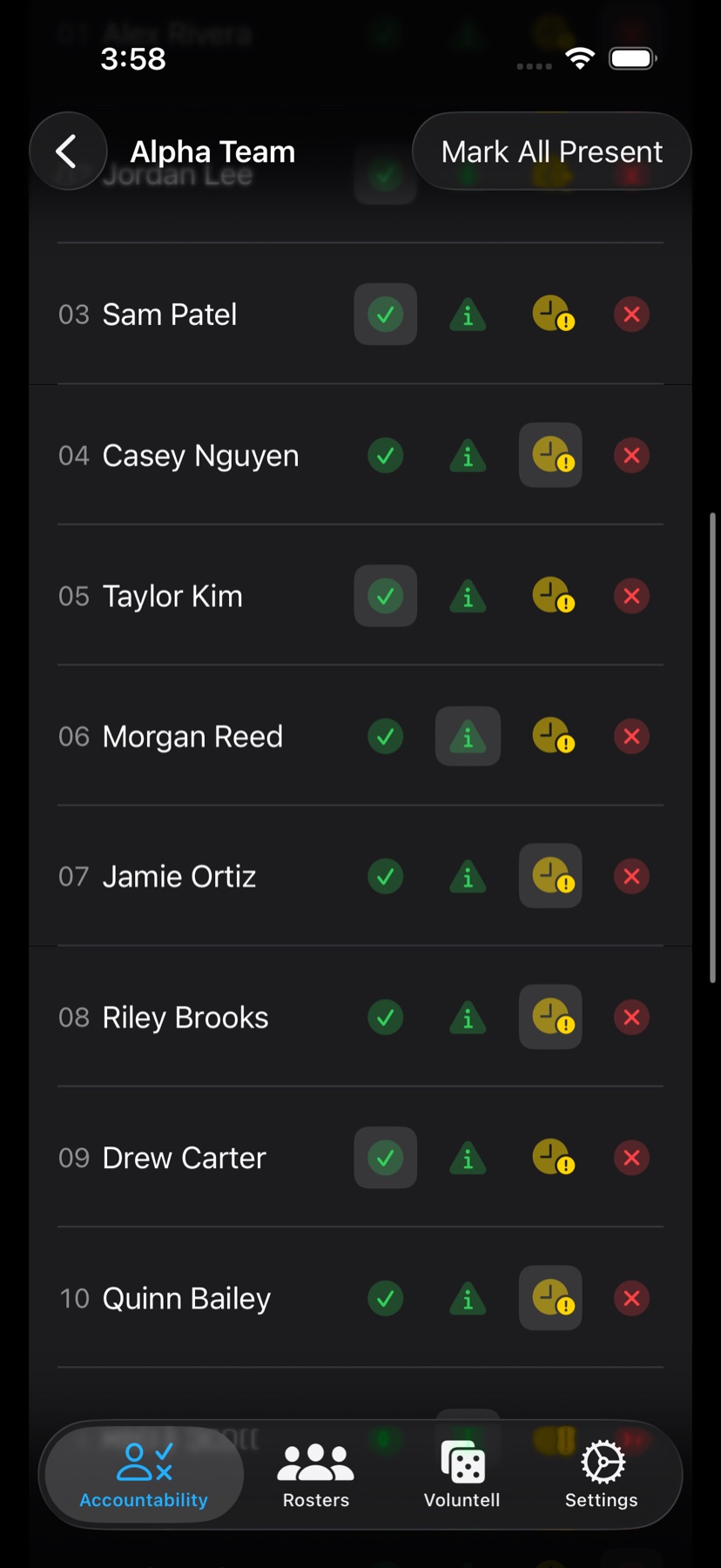
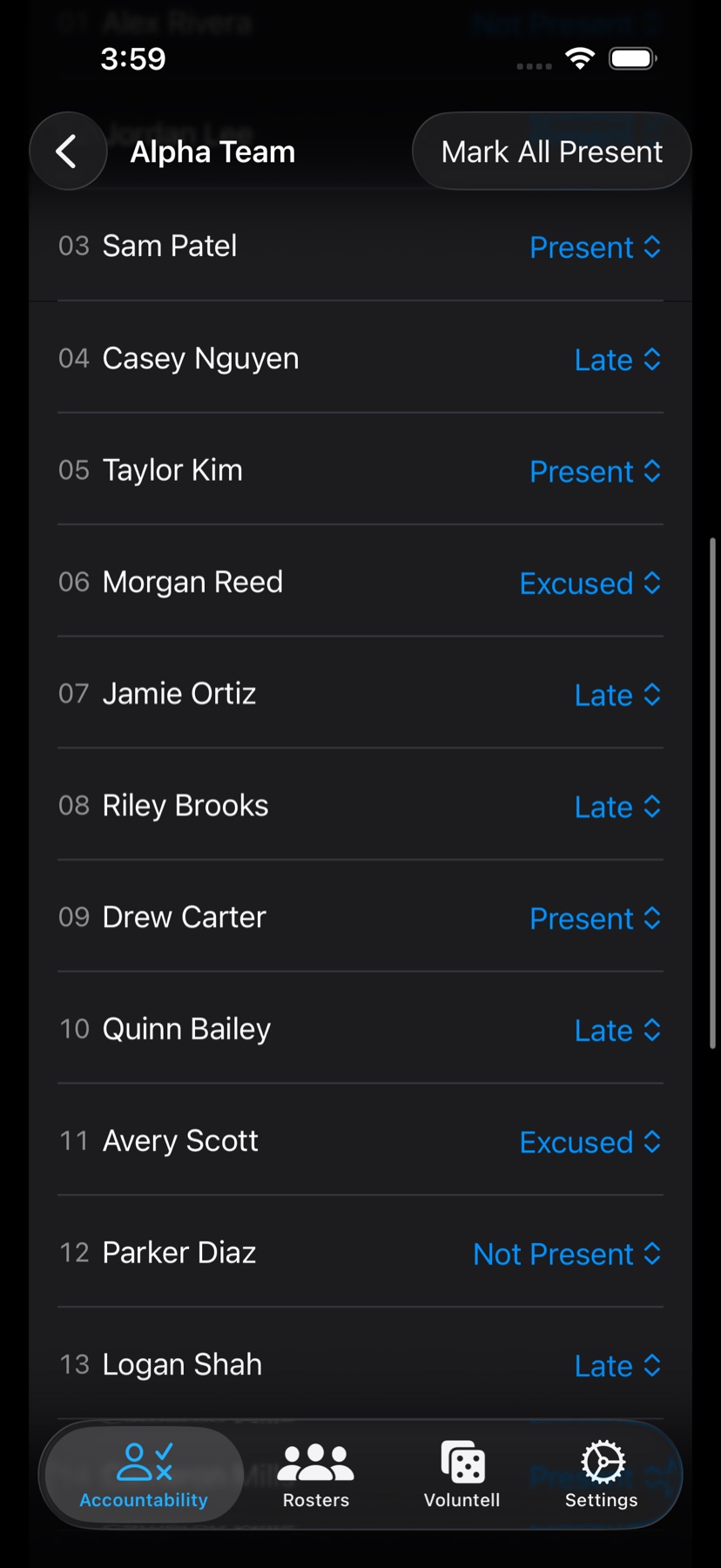
Tap Present, Late, Excused, or Not Present directly from each student row. Dropdown mode is available when you want a quieter review style.
Private classroom and team accountability
Accountability Go! is built for teachers, instructors, trainers, NCOs, and class leaders who need fast records, scheduled excusals, and useful reports without sending student or team data to an outside account.
Feature tour
Each feature is designed to help you set up quickly, record accurately, and share useful summaries later.
Tap Present, Late, Excused, or Not Present directly from each student row. Dropdown mode is available when you want a quieter review style.
Schedule an excusal period once so new accountability sessions and Voluntell draws mark that student Excused while the period is active.
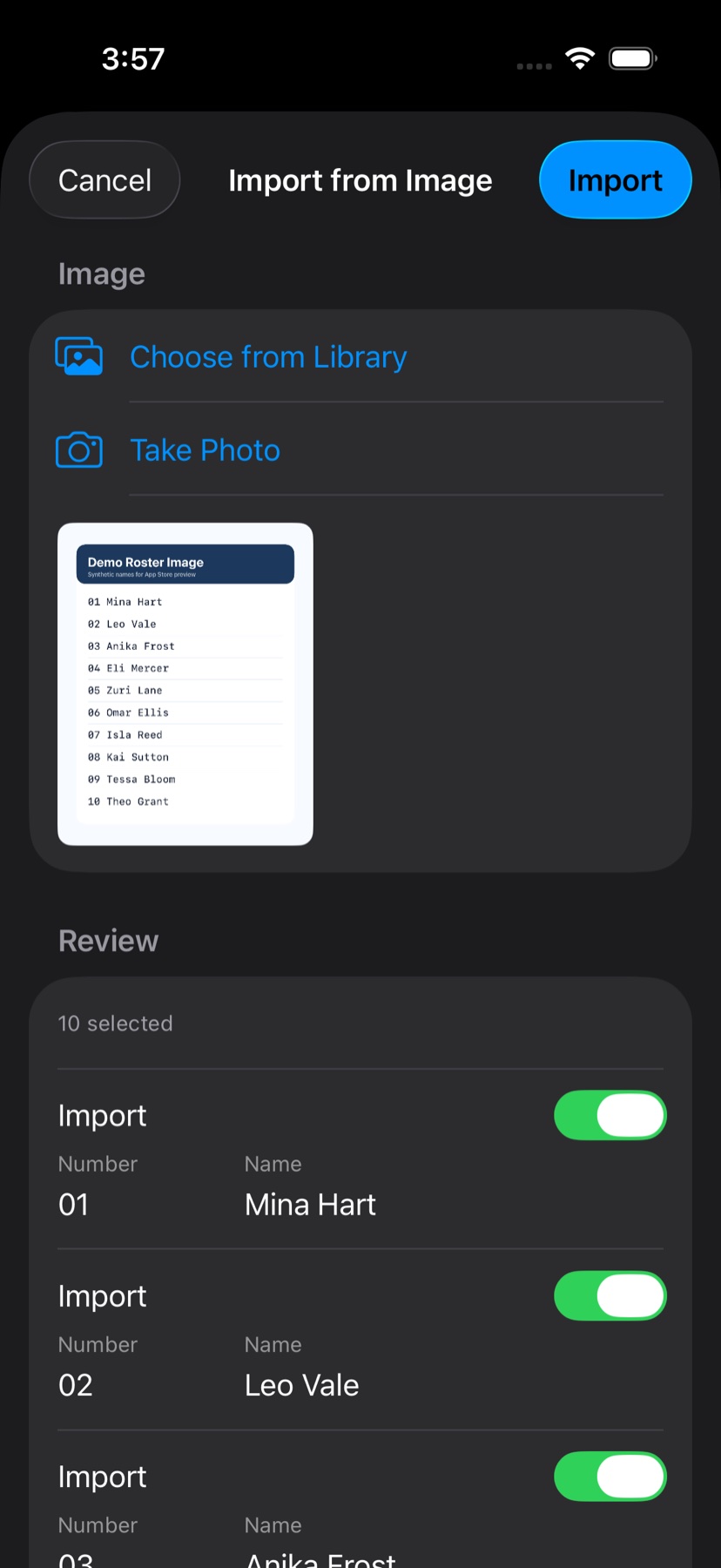
With Plus, use a roster photo or image, review recognized names, edit anything that needs attention, and import only the rows you trust.
Let volunteers step up, then fill the rest based on history so the same people are not always picked for classroom or team tasks.
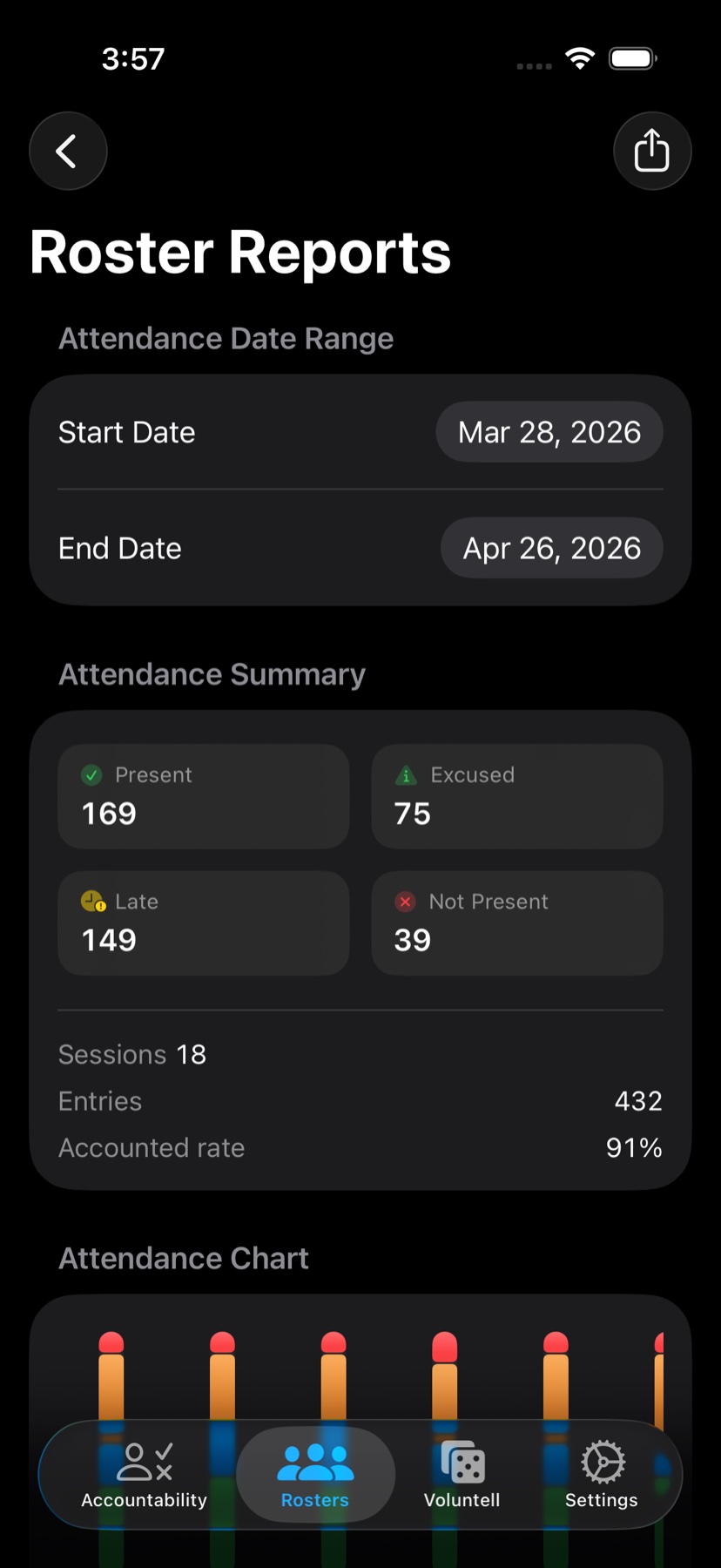
See student trends, session totals, and history charts. PDF reports are included, and Plus adds spreadsheet exports plus custom report logo branding.
Share clean student or roster reports with app-icon branding by default. Plus unlocks custom logo branding when the paperwork needs to look official.
Your data syncs through your Apple ID. Accountability Go! does not run an external student database, third-party advertising SDKs, or analytics tracking.
Export rosters, roster reports, and student reports to XLSX files when you need sortable records outside the app.
Use your own logo on PDF and spreadsheet report headers, or keep the app icon branding for included PDF exports.
Add a profile image to each roster member so names, faces, and follow-up history are easier to connect at a glance.
Automatic excusals
Set a date range for leave, training, medical, travel, or any other approved absence. Sessions and Voluntell draws started during that period apply Excused automatically and keep the note with the record.
Inside the app
Real app screens and a clear look at how Accountability Go! works in practice.
Attendance
Icon controls are the default because repeated session entry should be quick, readable, and hard to overthink.
Roster setup
On-device recognition creates a review list first, so noisy rows can be fixed or skipped before import.
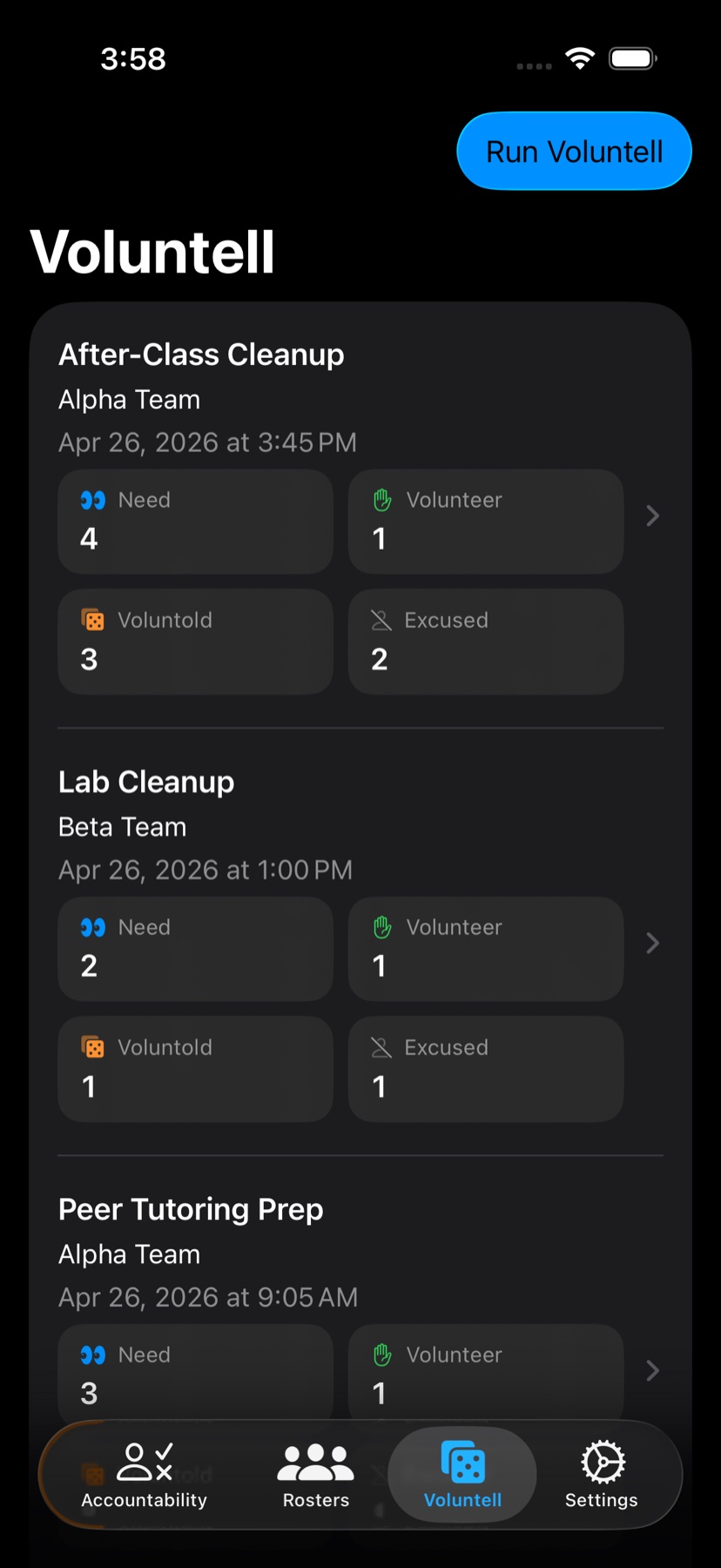
Voluntell
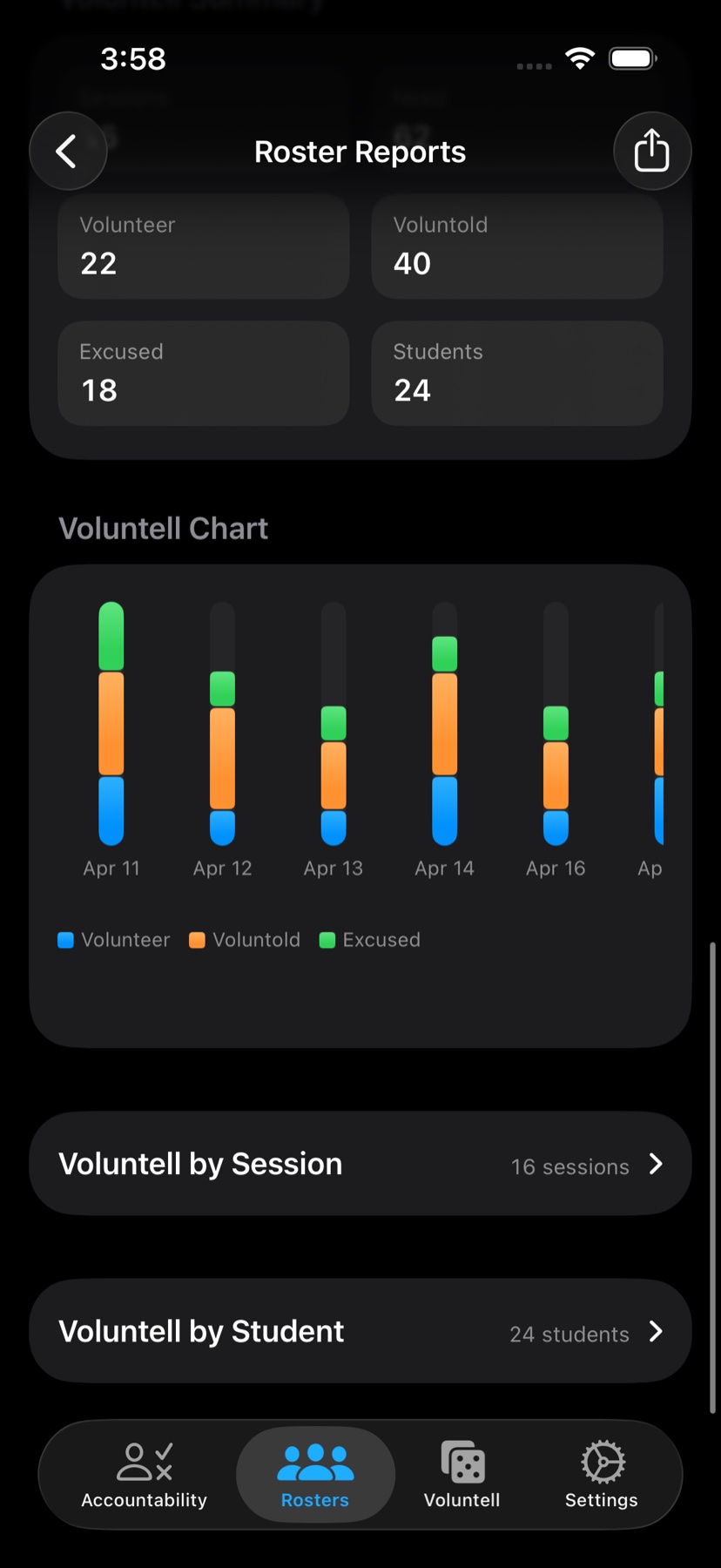
Volunteer, voluntold, and excused counts stay attached to each draw so decisions have receipts.
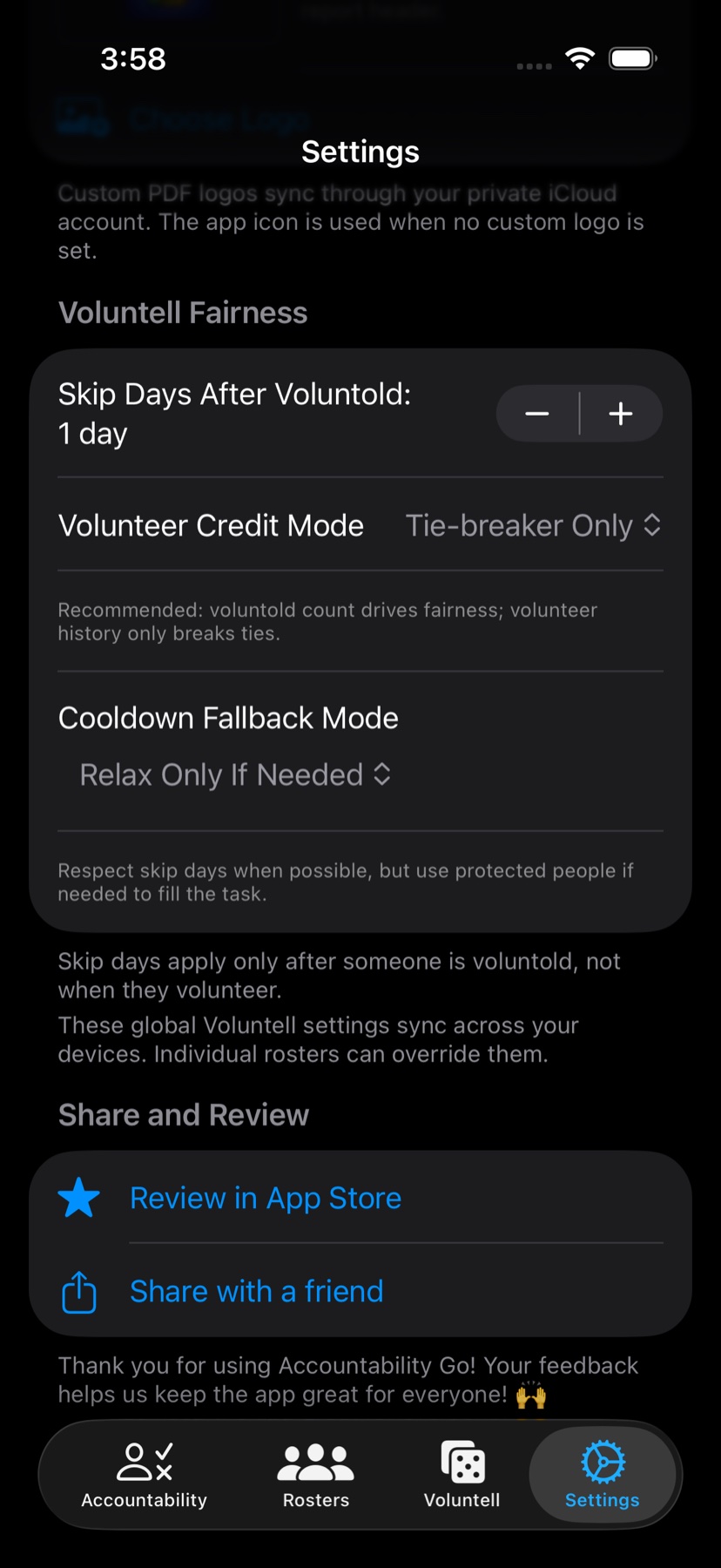
Fairness
Adjust cooldowns, fallback behavior, and volunteer credit globally or override them per roster.
Reports
Attendance and Voluntell reports make trends visible without asking someone to read every raw row.
Rosters
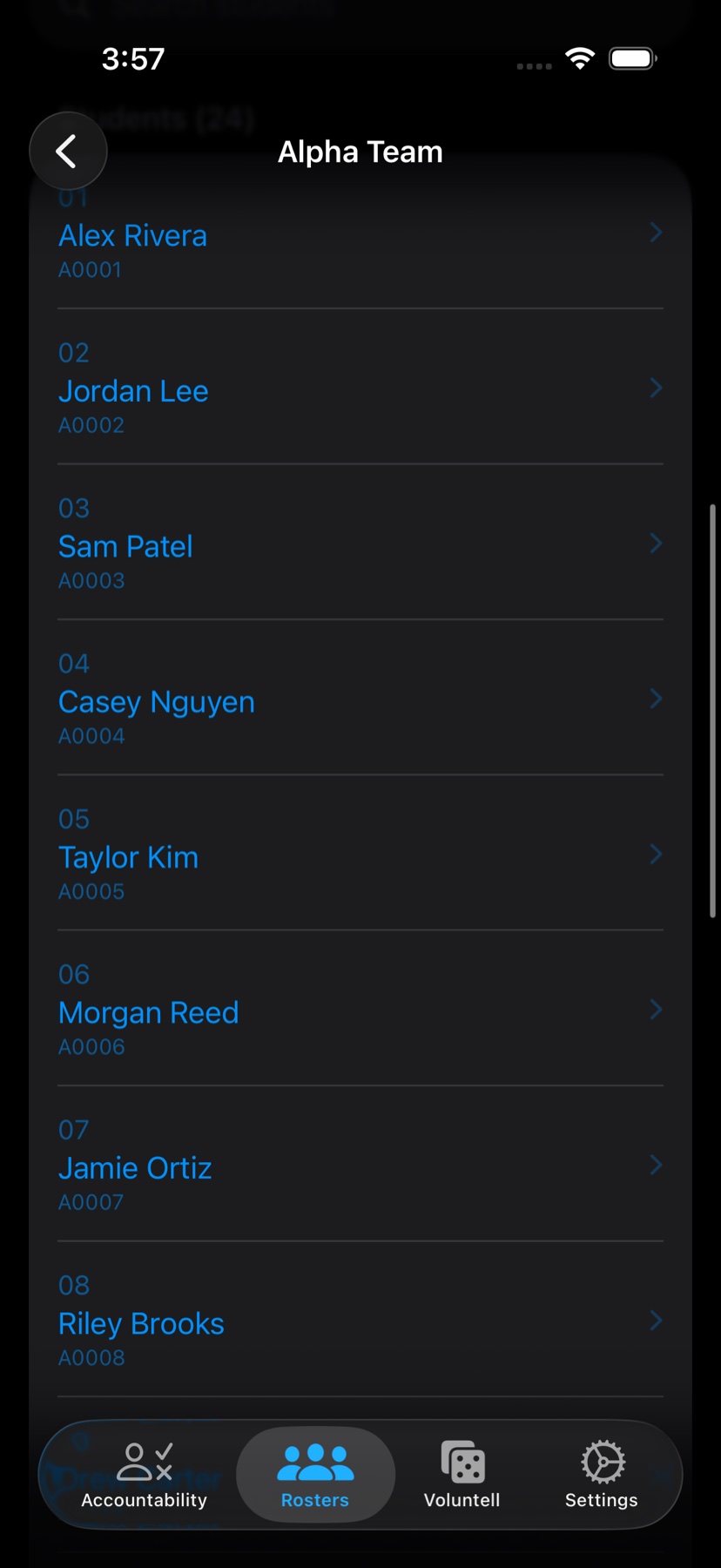
Students, imports, reports, groups, and roster-specific settings stay together.
Input modes
Icons stay first, while dropdown controls remain available for deliberate status review.
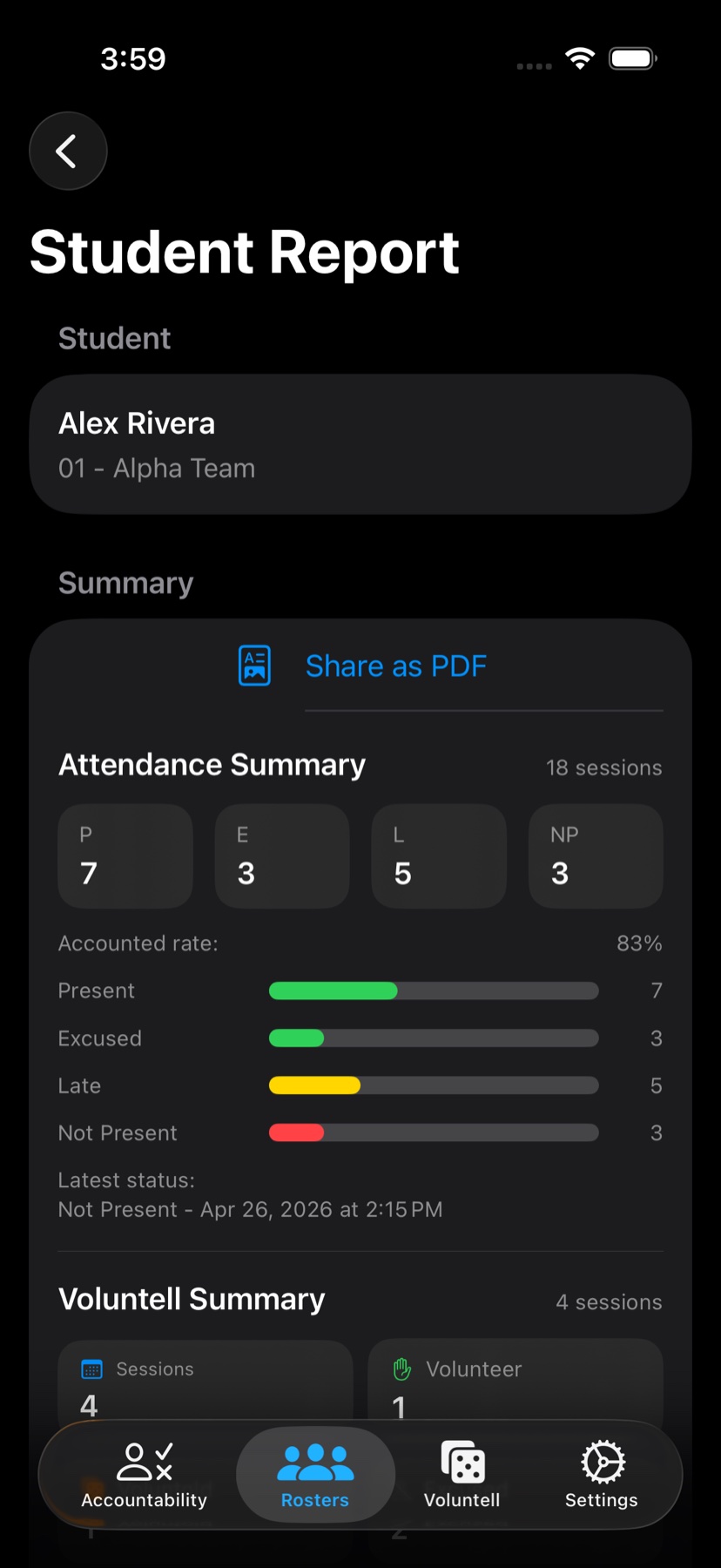
PDF-ready
Export reports that start with attendance summaries and continue into session history.
A simple day-to-day loop
Create rosters, add students one at a time, paste a list, or scan a roster image with Plus. Then record accountability sessions, run fair task draws, and export reports when documentation matters.
Keep active and inactive groups organized for classes, teams, formations, or training blocks.
Use icons by default for speed, with automatic excusals applied when an approved date range is active.
Use Voluntell history, student graphs, PDF exports, and Plus spreadsheet exports to support clear follow-up.